No APK file
Install through the browser and avoid unknown Android package files in 2026. The home screen icon opens the mobile website directly.
The native application is in development in 2026, and no APK file has been released yet. You can install the PWA now through the mobile website on Android and iOS. Tap the download button on this page, add the app icon to your home screen, and access casino games or sports markets in under 1 minute.
Casino Welcome Bonus
up to 10,000 EUR and 800 FS
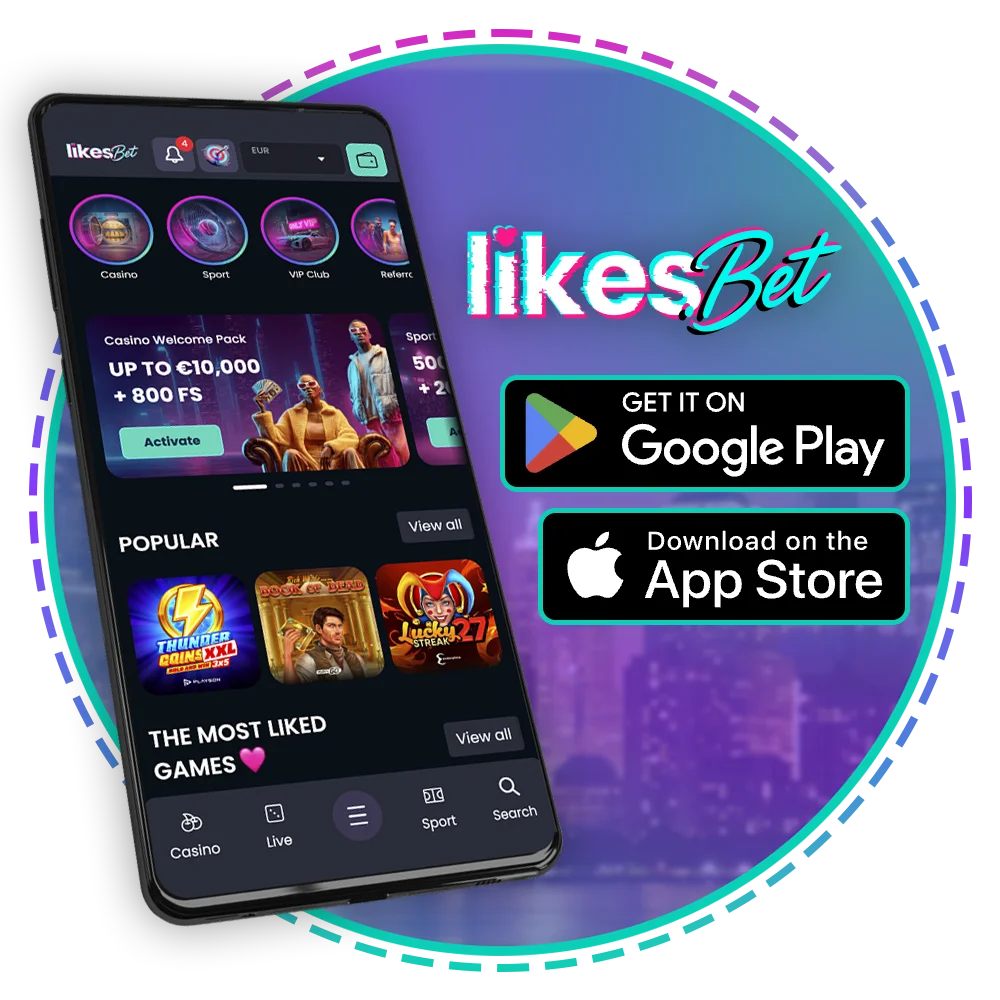
The mobile app runs as a PWA in 2026. No APK download is required, and the same account works on mobile, PC, and tablet.
| App format | PWA through the official mobile website |
| APK size | 0 MB, no APK file released in 2026 |
| Installation storage | Home screen shortcut plus browser cache |
| Last status check | 29 July 2026 |
| Casino welcome bonus | Up to 10,000 EUR and 800 FS across 10 deposits |
| Sports welcome bonus | 500% up to 1,500 EUR and 200 FS across 7 deposits |
| Supported languages | English interface, Dutch payment labels where supported |
| Currency | EUR |
| Payment methods | ABN AMRO, ING, Rabobank, Bank Overschrijving, Betalen per Bank, VISA, Mastercard, Google Pay Mastercard, N26, Revolut, Crypto |
| Promo code | No mandatory promo code for the listed welcome packages |
| Device support | Android phones, iPhone, iPad, and PC browsers |
| Account checks | 18+ age limit and KYC before withdrawals |
The PWA uses a compact lobby, bottom navigation, search, and account access on the first mobile screen. Sports markets, casino categories, cashier, bonuses, and support remain within 2 taps after login.
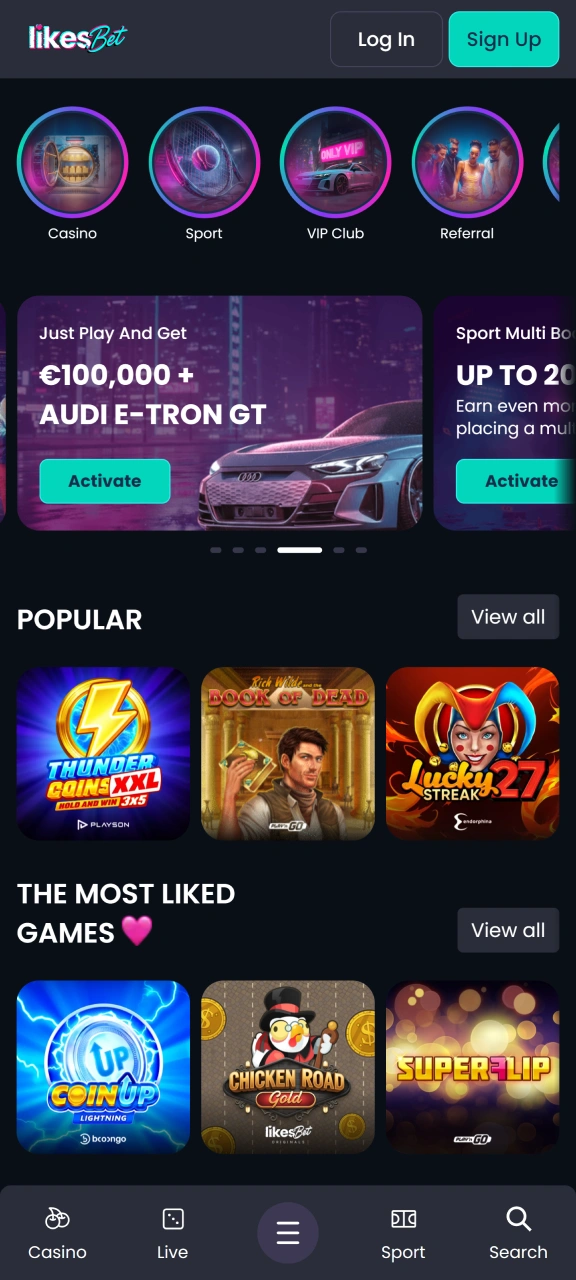
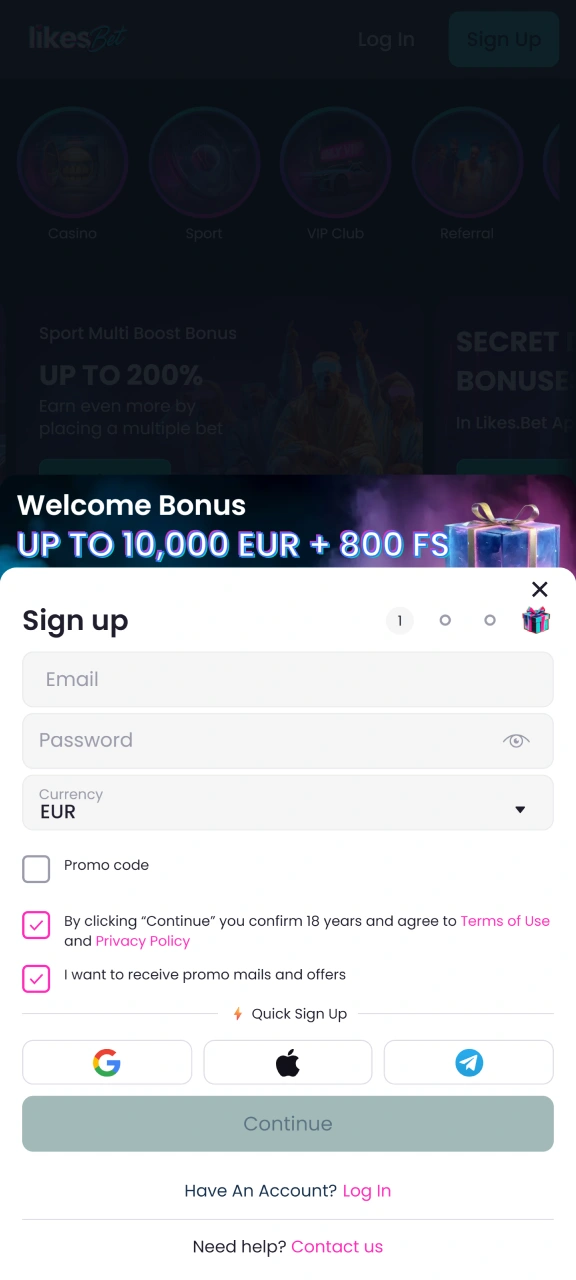
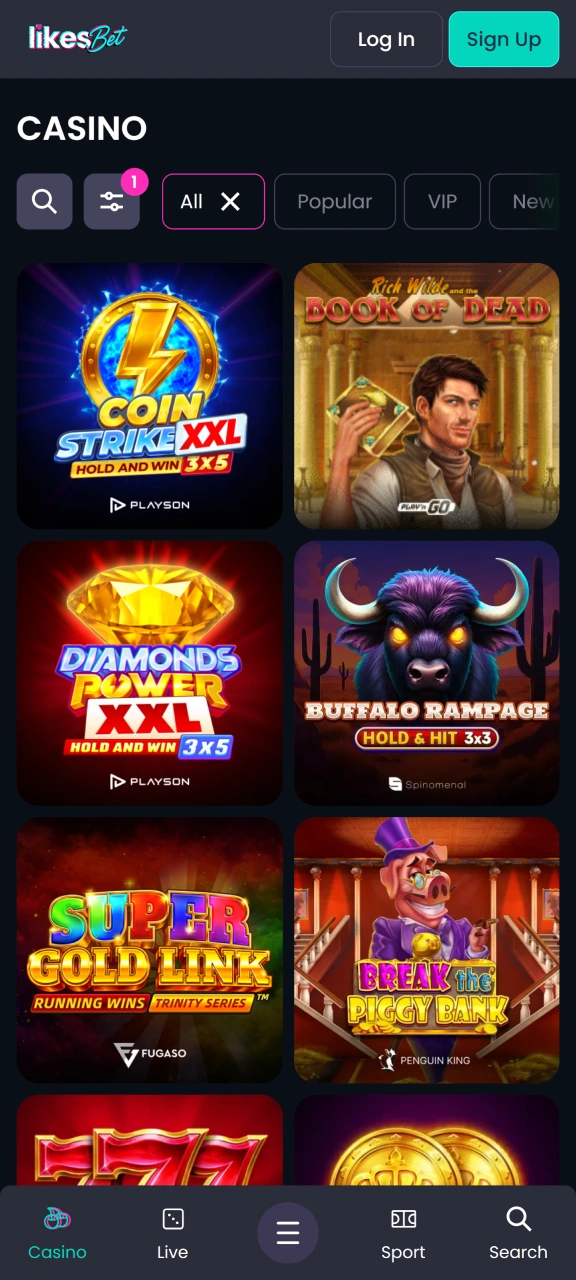
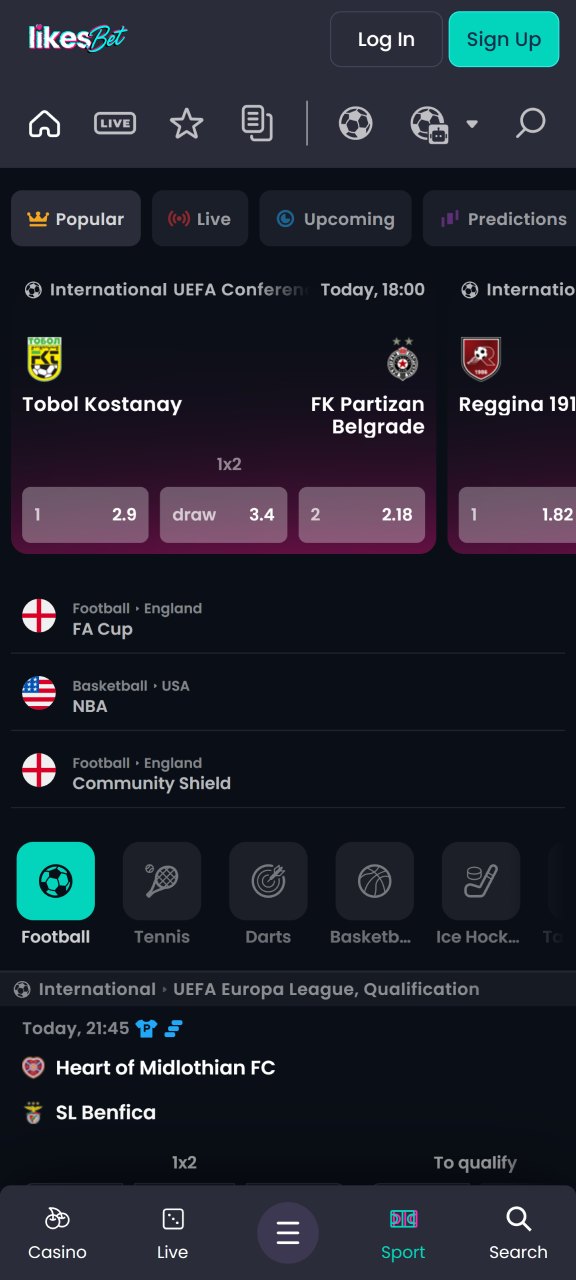
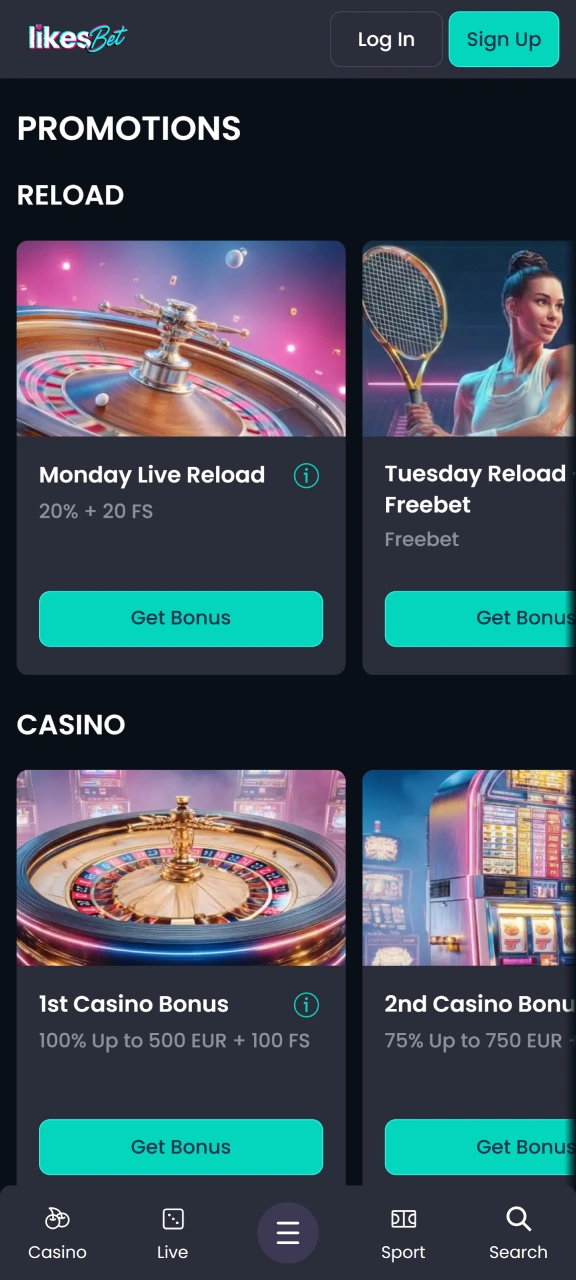
Android users can install the PWA through Chrome, Samsung Internet, or another modern browser. The process creates a home screen icon and opens the mobile website in app style view.
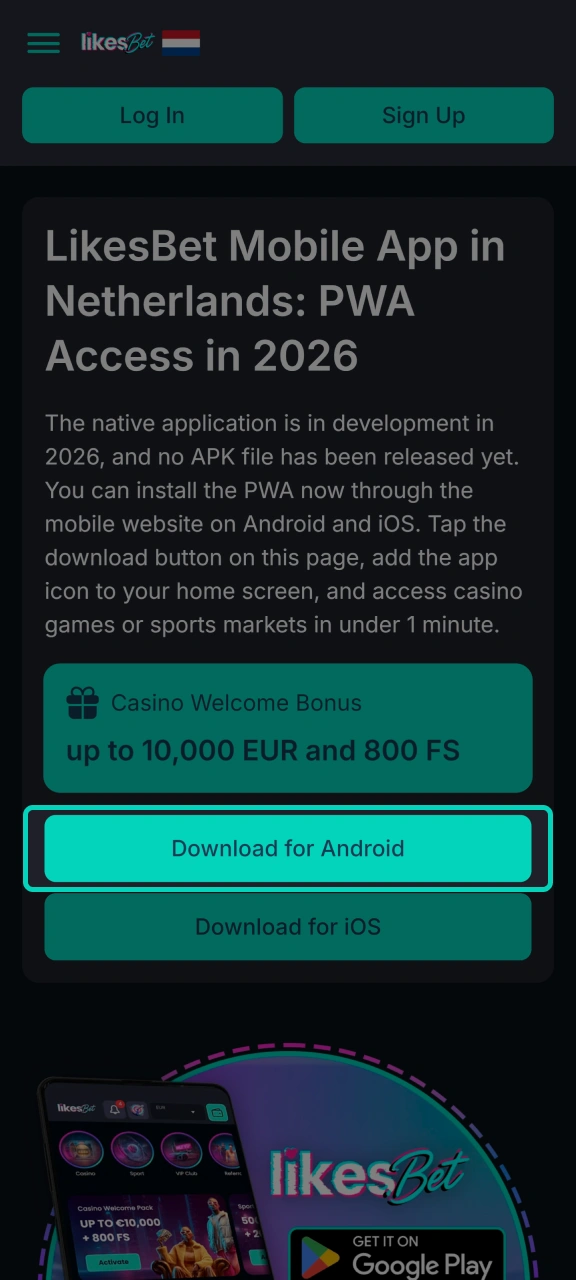
Tap the Download for Android button on this page to open the secure mobile version in your Android browser.
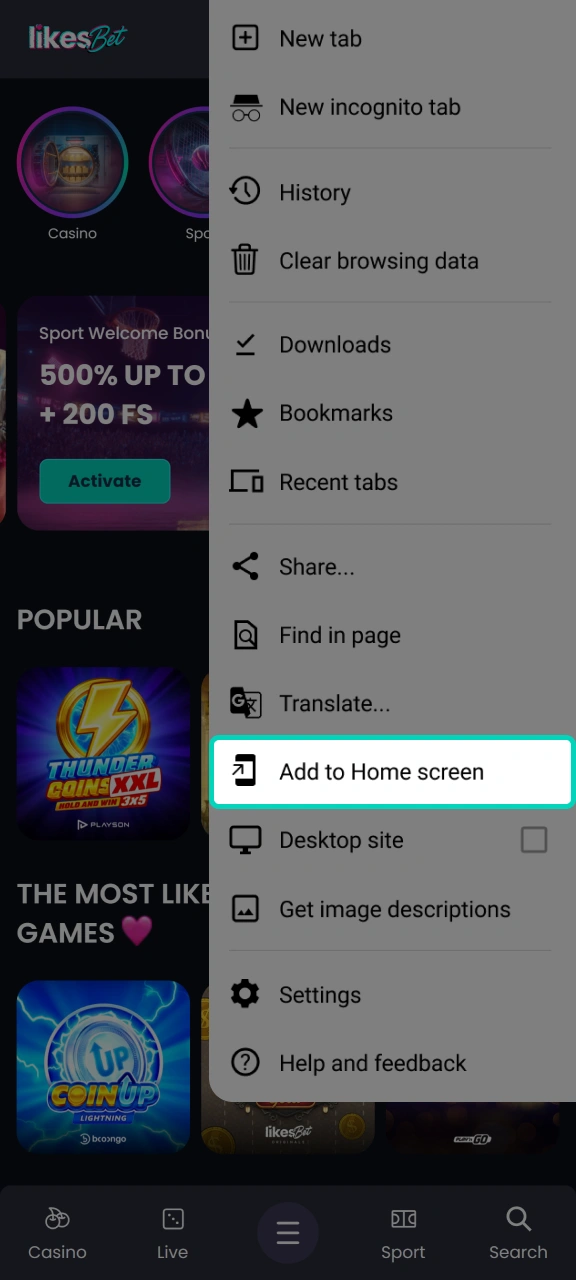
Open the browser menu and choose Add to Home screen to place the PWA icon on your phone.
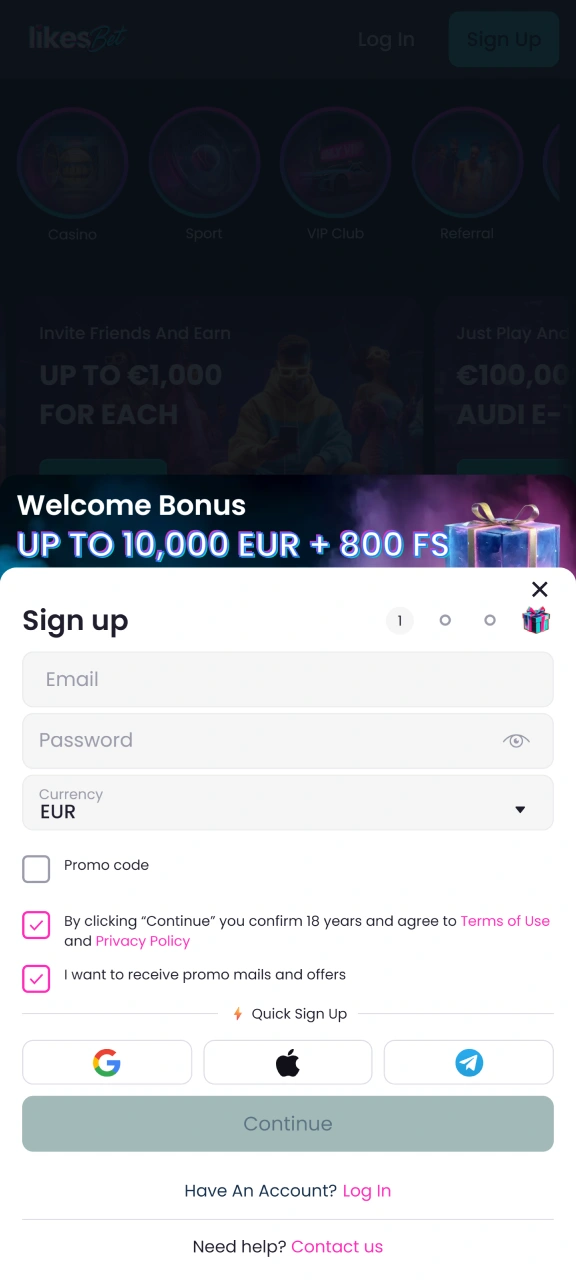
Open the new icon, sign in with your account details, or register with email, phone, EUR currency, and KYC data.
The Android PWA does not need APK installation. Use a current browser, stable mobile data or Wi Fi, and enough storage for cached pages.
| Requirement | Minimum for Android in 2026 |
|---|---|
| OS version | Android 8.0 Oreo |
| RAM | 2 GB |
| Processor | Quad core 1.8 GHz |
| Storage space | 200 MB free device storage |
| Browser | Google Chrome 100, Samsung Internet 17, or Firefox 100 |
The PWA works on flagship and recent mid range Android phones that meet the browser and memory requirements. These models meet the minimum 2 GB RAM and Android 8.0 requirement.
The iOS version runs through Safari as a PWA. You get a home screen icon, full mobile layout, and the latest version without a manual software download.
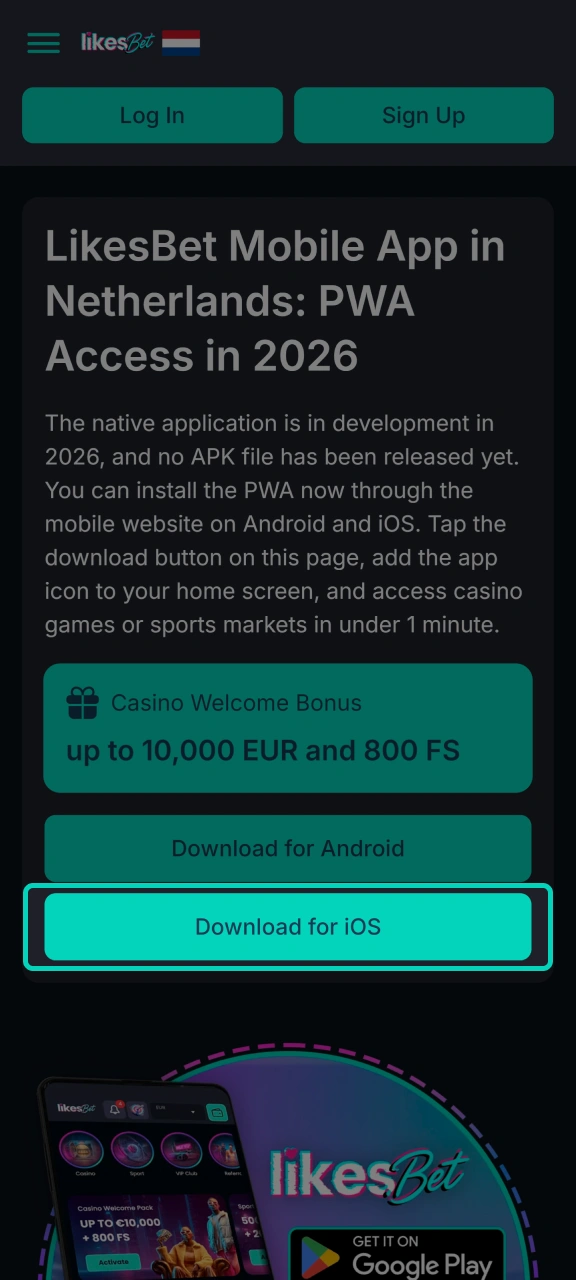
Tap the Download for iOS button on this page and open the mobile website in Safari.
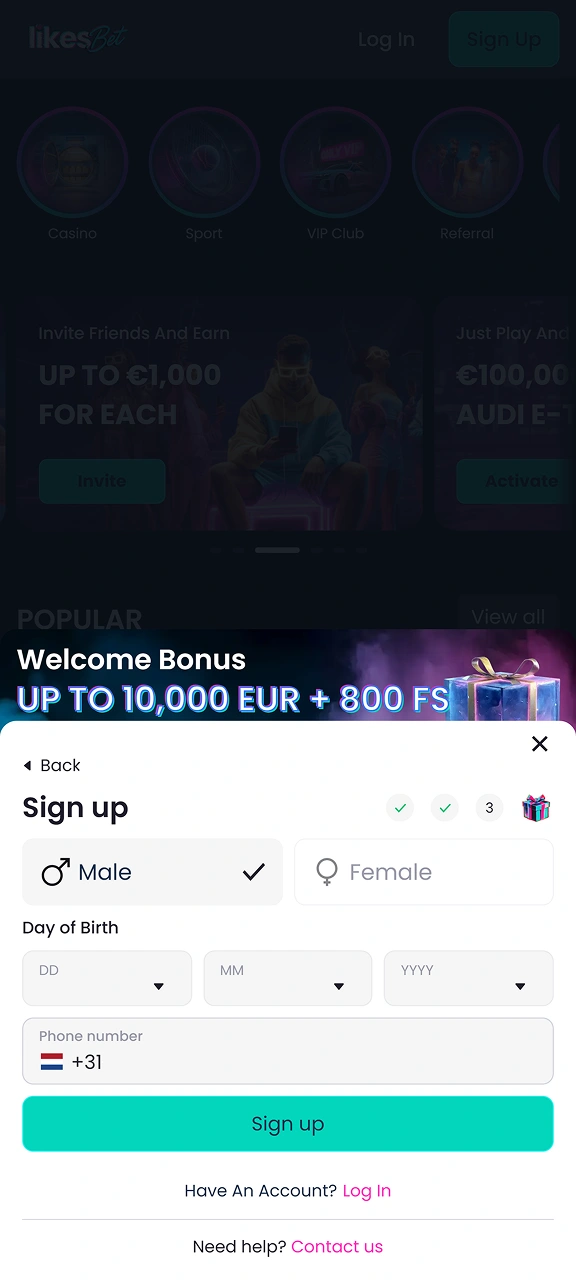
Create an account with your email, mobile number, EUR currency, and personal details required for KYC.
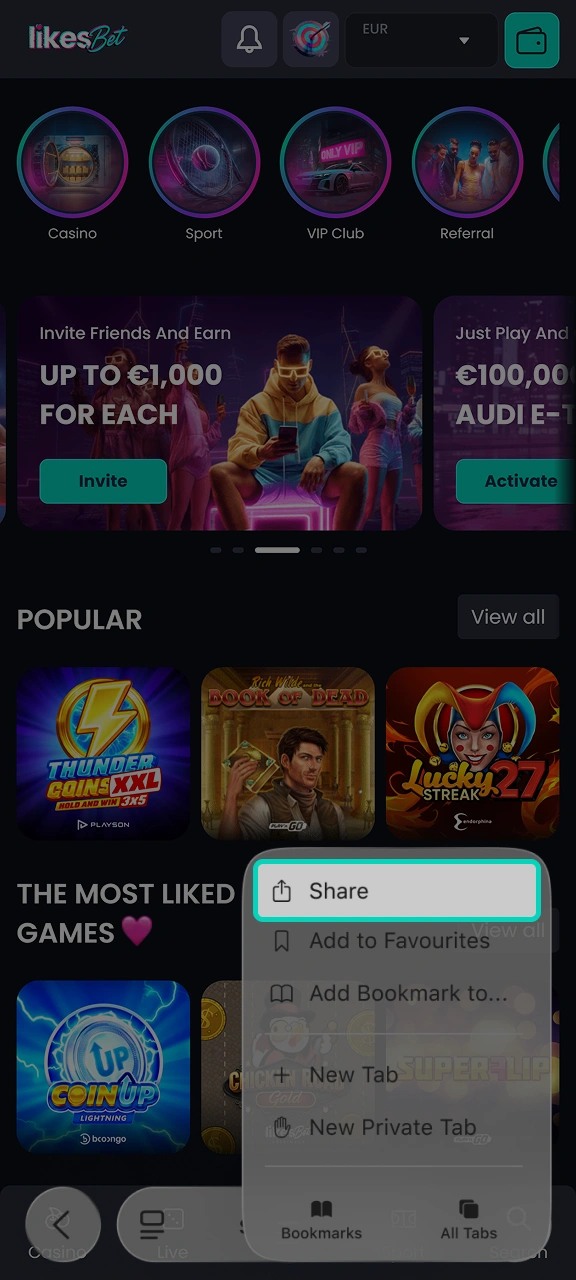
Tap the Safari Share icon at the bottom of the iPhone screen or at the top of the iPad screen.
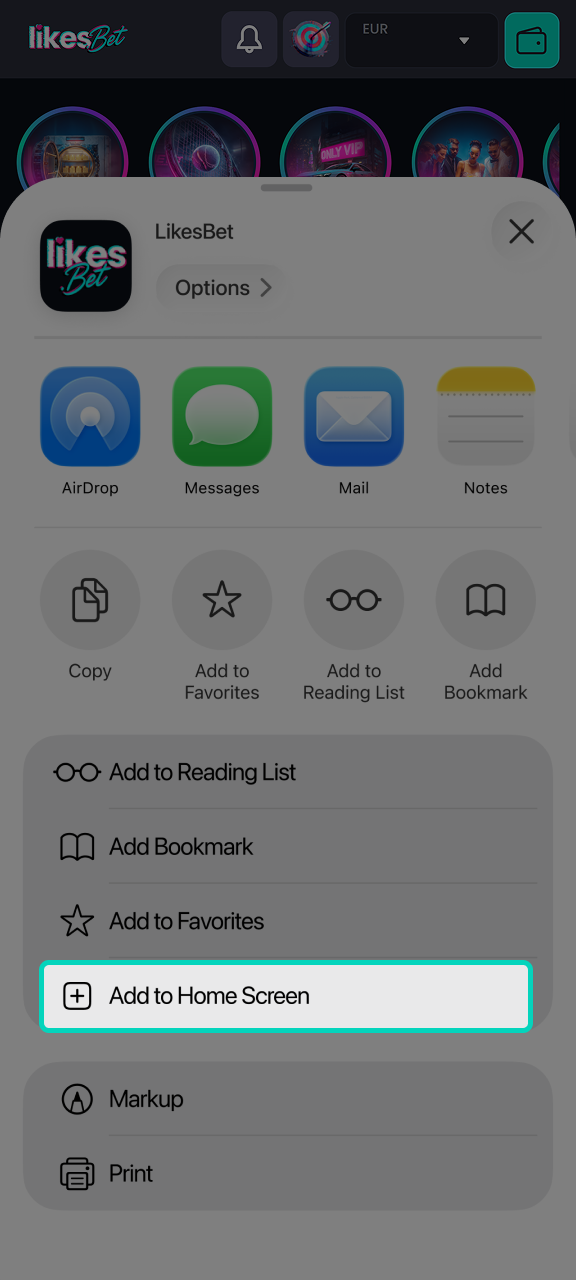
Choose Add to Home Screen, confirm the app name, and open the new icon to play or bet.
The iOS PWA uses Safari and does not need a separate application file. Keep Safari cookies enabled so login, cashier, and bonus tracking work after installation.
| Requirement | Minimum for iOS in 2026 |
|---|---|
| iOS version | iOS 15 |
| RAM | 2 GB |
| Processor | Apple A12 Bionic |
| Storage space | 200 MB free device storage |
| Browser | Safari 15 or later |
The iOS PWA supports iPhone and iPad devices that can run Safari 15 or later. The models below meet the iOS 15 and Apple A12 Bionic requirement.
Mobile users in the Netherlands can claim the same casino and sports welcome packages as desktop players. Bonus tracking appears in the account area after a qualifying EUR deposit. Free spins are credited according to the promotion rules shown before activation. Wagering terms, expiry time, and eligible games are displayed inside the bonus page in 2026.
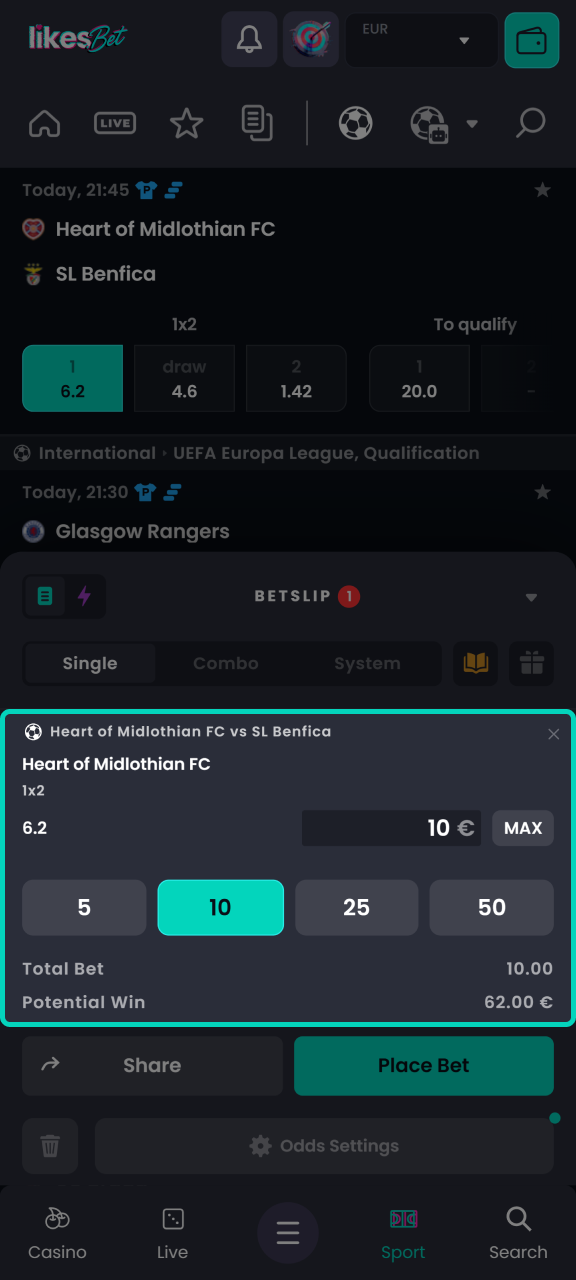
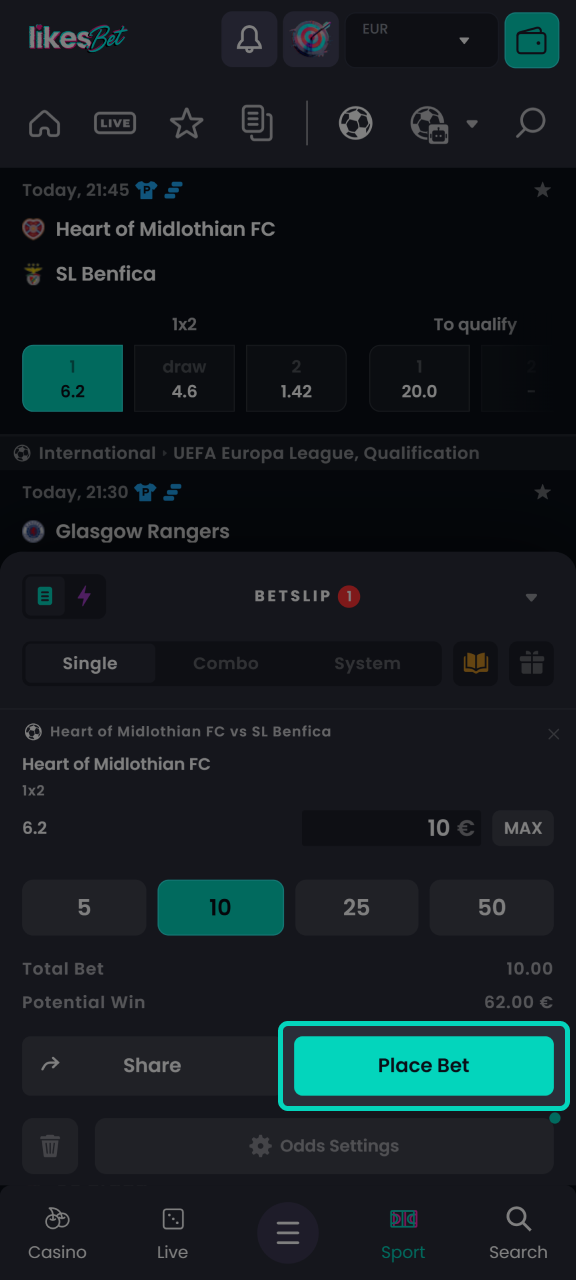
The sportsbook is available through the PWA after login and account verification. Dutch players can use EUR stakes on pre match and live markets for national and international events.
Open the PWA, sign in, and confirm your EUR balance. The bet slip updates after each market selection. You can place pre match or live bets after account checks.
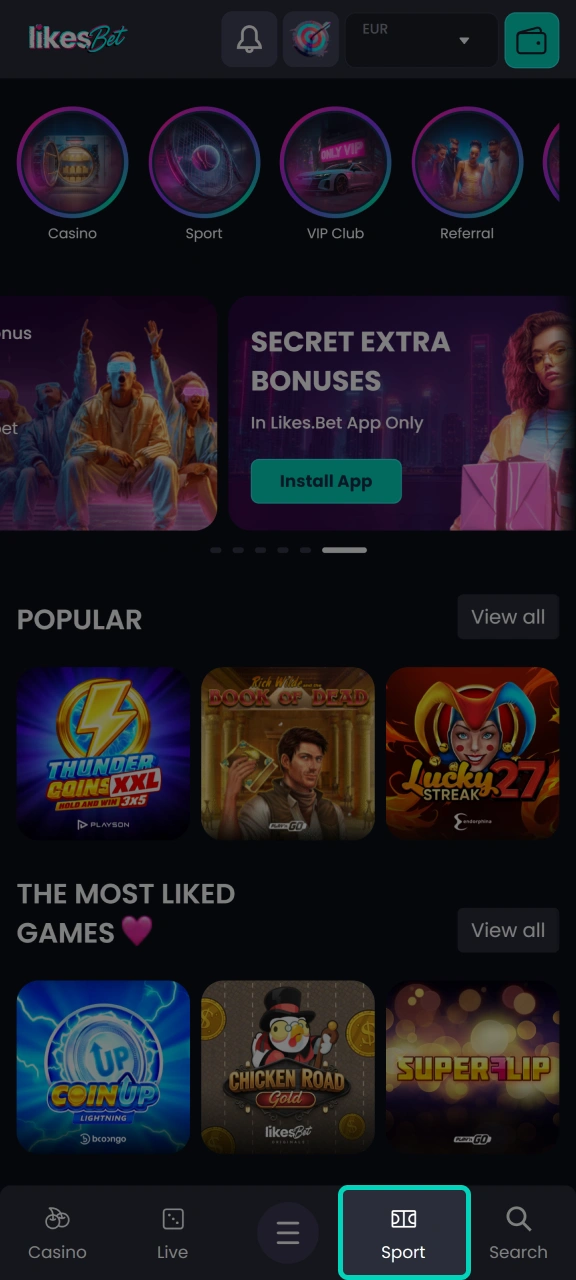
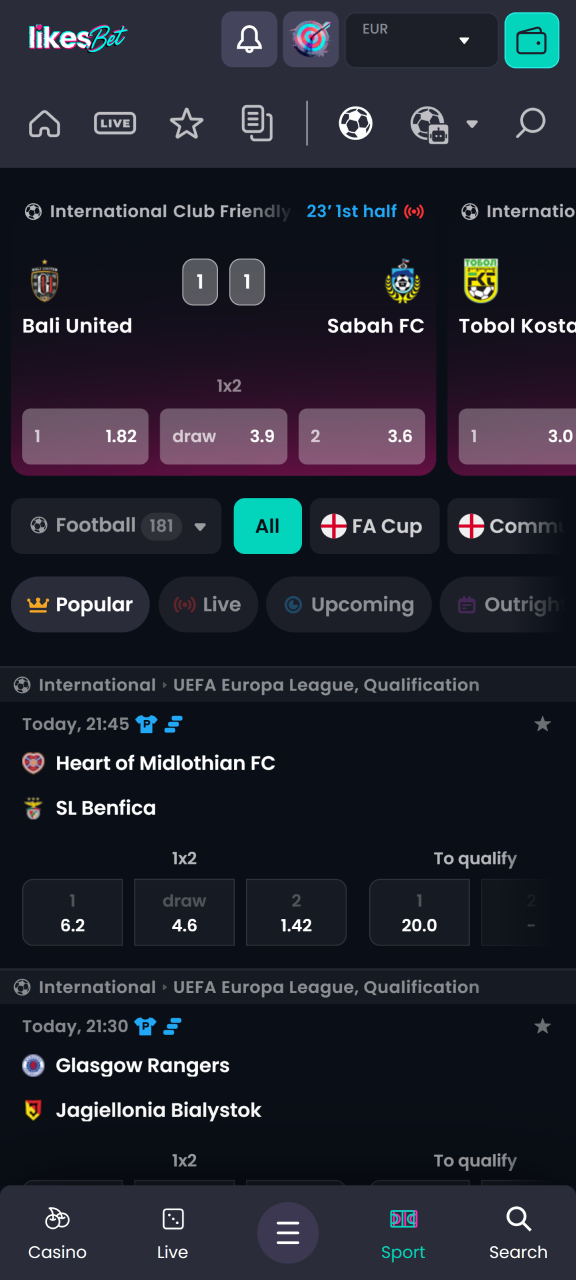
The casino lobby opens inside the PWA after login. You can filter slots, table games, jackpots, and live casino titles on the mobile screen. Game availability can vary by provider and licence settings in 2026.
Registration takes place inside the mobile website or PWA. You need accurate personal details because withdrawals require KYC checks.
You can access the same account on Android, iPhone, iPad, and PC. Use the login form inside the PWA or mobile website.
No manual update is required for the mobile app in 2026. The PWA loads the latest website version through your browser. New cashier, bonus, sports, and casino changes appear after refresh. If a page looks outdated, close the browser tab, reopen the home screen icon, and clear cache if your browser keeps old files.
Mobile deposits start at 10 EUR, with a 5,000 EUR maximum per transaction. Withdrawals start at 20 EUR, with a 5,000 EUR maximum per request, subject to KYC approval and method limits.
Deposits are handled inside the cashier on the PWA. Use EUR and choose a payment method available for your verified account.
Withdrawals can be requested directly through the PWA cashier. Your account must pass KYC before a payout is approved.
The PWA gives Dutch players fast access to the official casino, sportsbook, cashier, and bonus area without APK software. One account works across mobile and PC.
Install through the browser and avoid unknown Android package files in 2026. The home screen icon opens the mobile website directly.
Use one EUR balance for slots, live casino, sports bets, deposits, and withdrawals after login.
ABN AMRO, ING, Rabobank, Bank Overschrijving, Betalen per Bank, VISA, Mastercard, N26, Revolut, and Crypto are listed.
The mobile bonus page shows welcome packages, free spins, wagering progress, expiry time, and eligible game rules.
Start on iPhone, continue on Android or PC, and keep the same account history after sign in.
Support options are available through the mobile account menu and help area. Use the channel that matches your issue type.
| Support channel | Best use case |
|---|---|
| Live chat | Login issues, cashier checks, bonus questions, and active bet slip issues |
| Email support | KYC documents, payment reviews, account status, and formal account requests |
| Help Centre | Password reset, bonus terms, payment method rules, and responsible gambling tools |
| Account messages | Replies linked to your registered profile and verification case history |
Use the password recovery link on the login screen. Enter your registered email, follow the reset message, and create a new password before the next login.
Only 1 account is allowed per player. Duplicate accounts can be restricted during KYC, bonus review, or withdrawal checks.
Online gambling in the Netherlands is regulated by the Kansspelautoriteit in 2026. Access is limited to players aged 18+ and depends on licence availability, location checks, and account verification.
No APK file has been released in 2026. Use the PWA installation method on Android instead of third party package files.
The same account works through the website on PC, Android tablets, iPad, iPhone, and Android phones after login.
Bijgewerkt: